Loading

Firfa

Categories
Project IT

Smart Trash bin

Smart Trash Bin

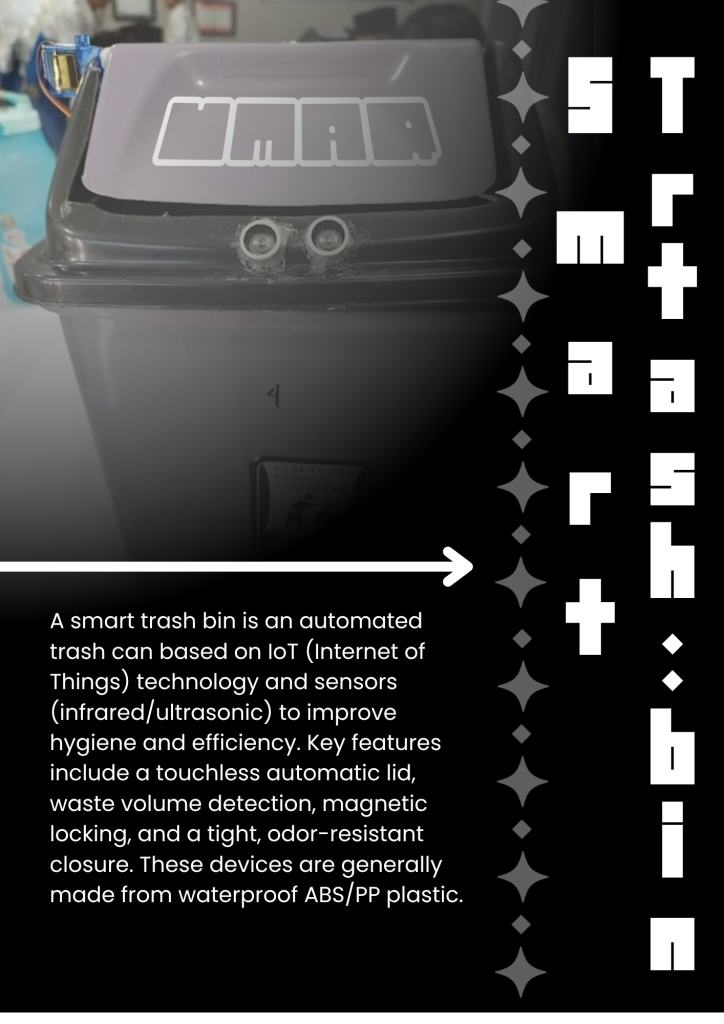
Hello Everyone Welcome Back Again To My Other Project!!, in this project There is smart Trash Bin, What Is Smart Trash Bin?, Smart trash Bin is  Auto Open Trash, so in the trash There is sensor Called Ultra Sonic And If There is object in front of sensor the trash will opened else if not he will closed. Maybe that all from me thank you alredy read this.

Demo Video

Categories
Project IT

Smart Watering Plant

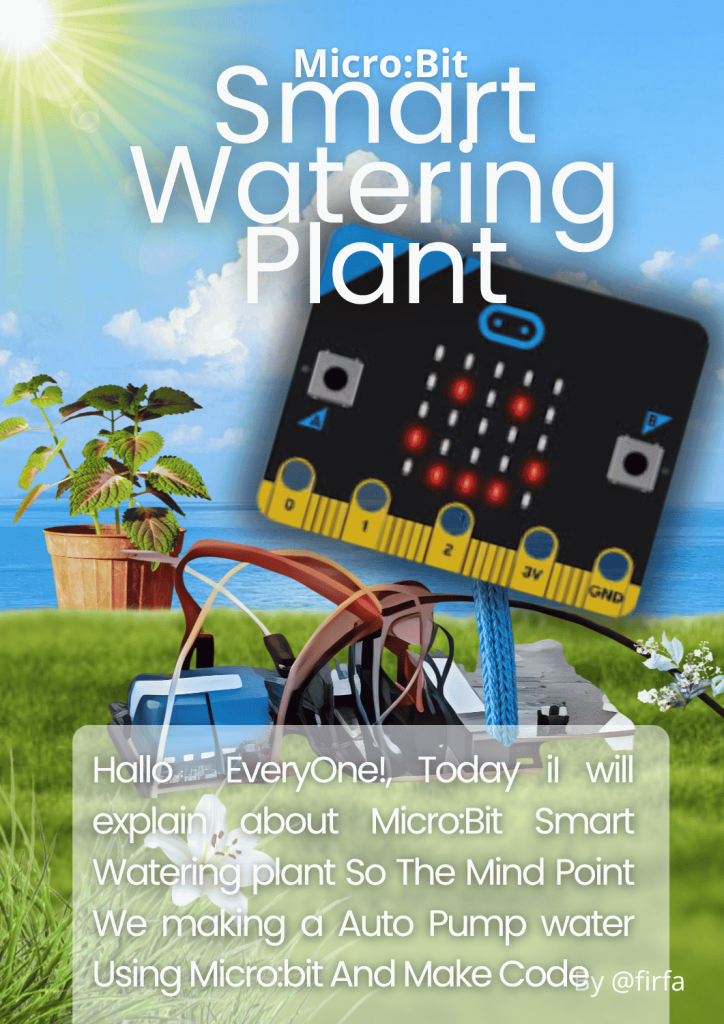
Micro:bit Smart Watering Plant

.”Hallo EveryOne!, Today iI will explain about Micro:Bit Smart Watering plant So The Mind Point We making a Auto Pump water Using Micro:bit And Make Code. Let Me Explain More Detail, So for Pumping the water we need the DC pump and for  sensor is SM and for the code is Micro:bit, so the SM Will detect the plant then the dc pump will on and then off again, Ok i think I just can explain that thank you if you alredy read this, the last i want to say “Wasalamualaikum waroh matullahi wabarokatuh””.

Demo video

Categories
Project IT

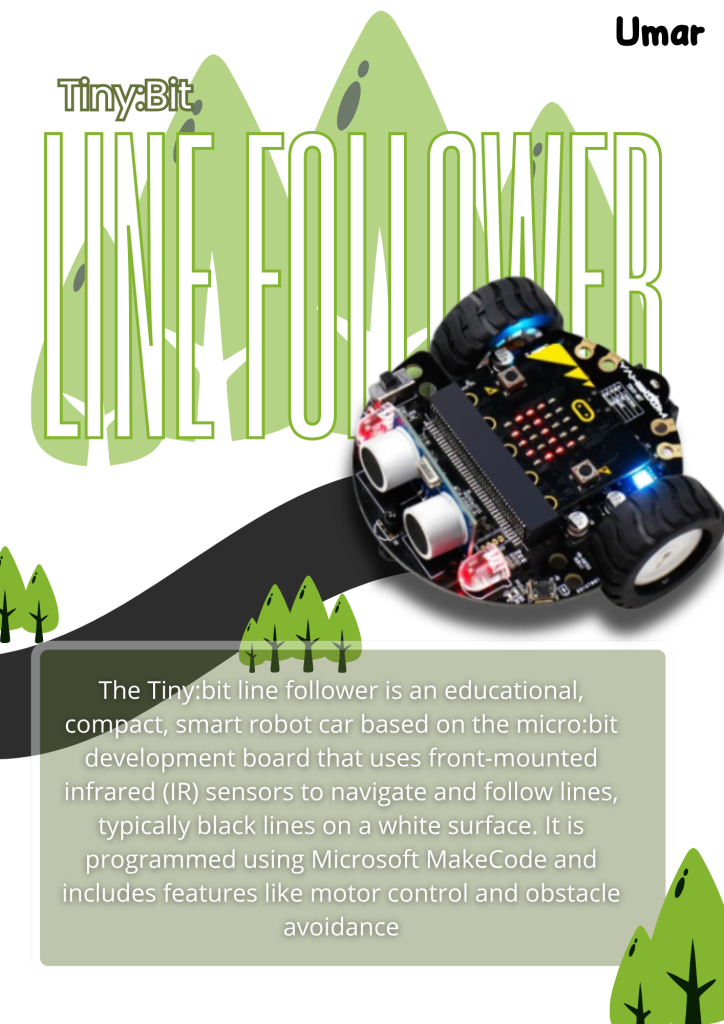
Tiny:bit Line Follower

Tiny:Bit Line Follower

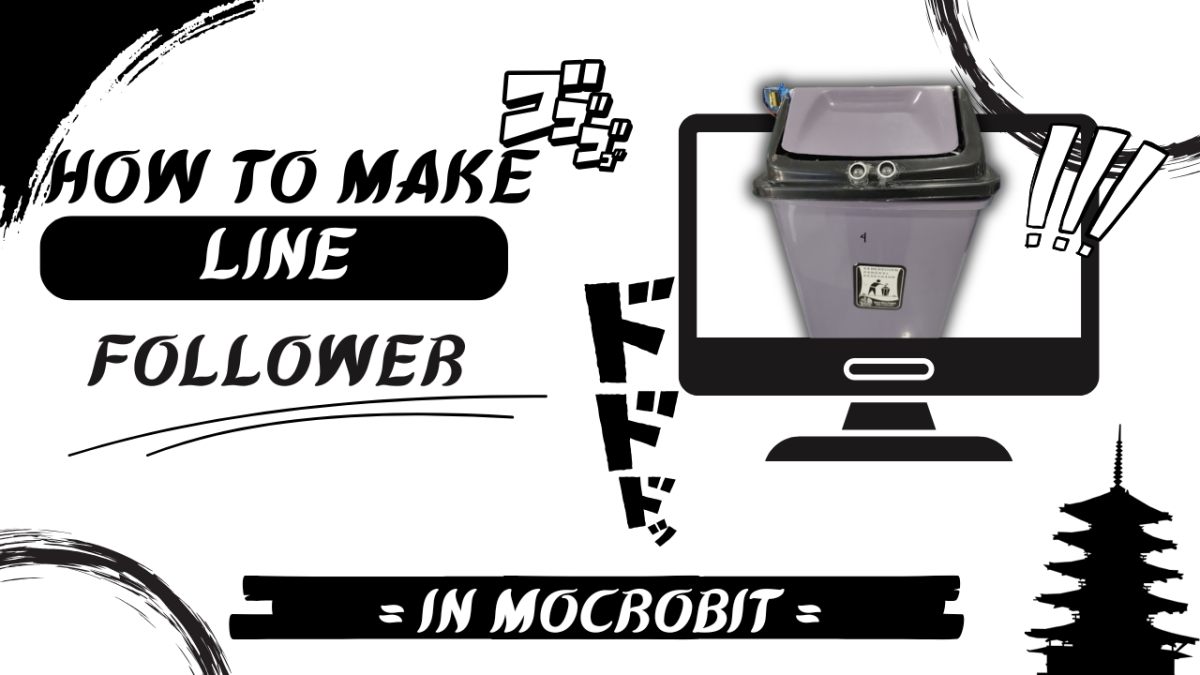
Hello Everyone!, Welcome To My Project Again!!, Today I Will explain My Project That is line follower! What Is LIne Follower? Line folllower is a micro:bit with a Tiny bit for the robot following the line and i coding in Micro:bit web with my team that is Zamir, This Project i think hard because we need perfect timing and Math I think I just can Explain that, thank you Everyone if you alredy read this hehe.

Demo Video

Categories
Project IT

TinyBit Hand Gesture

TinyBit HandGesture

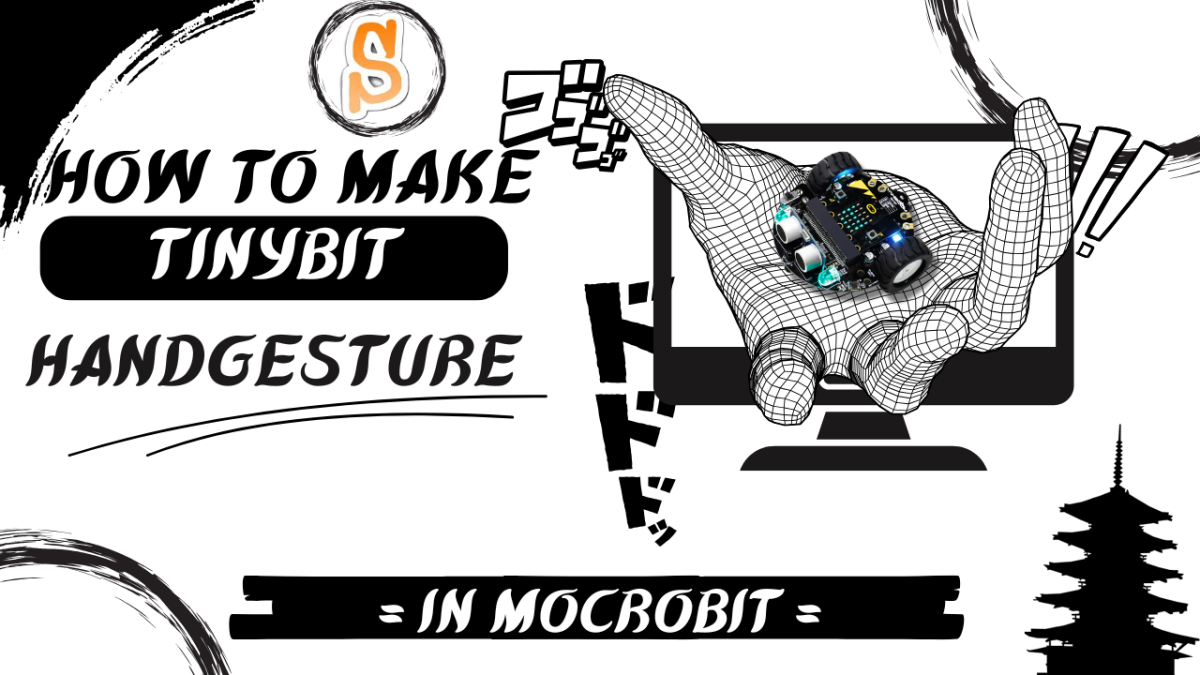
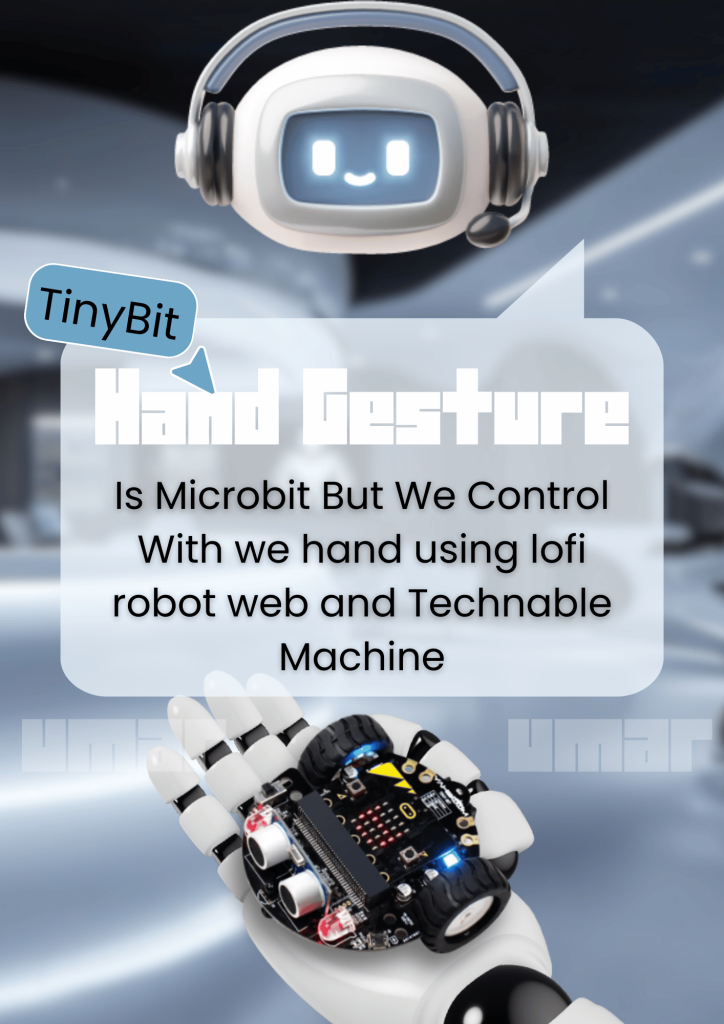
Halo Assalamualaikum Warohmatullahi Wabarokaatuh! Today In My Seccond Project There is Tinybit Hand Gesture,  “What Is Tiny bit Hand Gesture ?” Tiny Bit Hand Gesture Is Like Robot With Technable Machine That Is AI With Need Sample For moving With Your Hand . So You Can Move/Control It With Your hand gesture Okay That all About My seccond Project in –IDN Boarding School Wassalamualaikum waroh Matullahi wabaro kaatuh!!

Categories
Project IT

TinyBit – Blutooth Controler

TinyBit - Blutooth Controler

Hallo Assalamu alaikum warohmatullahi wabarokaatuh So This Is My 1 project (frist Project) and in this Project 1  I Make A moving Robot Named TinyBit, TinyBit Is Like RoBot What We Coding With make Code APPlication Or Website And Also For Control my team Using Lofi robot Website We Make This Robot Project I make With My team Is Keanu arganta kusuma , Arky , And Umar Fir Fauzan ( Me ) oke that all Wassalamualaikum waroh matullahoi wabarokatuh!!

Categories
Project IT

IT Tutorial

IT Tutorial

descripsion

Hello, my name is Umar Fir Fauzan and you can call me Umar. I’m in grade 7, more precisely 7a, and I’m 12 years old. I go to IDN boarding school and I was born in Bekasi. Now I will show you my project called IT tutorial. Here I show you how to make a game on the web called Scratch, namely the game catching fruit. Here the game is like a bowl that catches vegetables and there are two nuisances, namely ladybugs. Want to know how fun it is to make a game? Follow the tutorial.

Part 1

this my it tutorial. you can now how to making game in scratch

Part 2

Second. you can now what is download sprie

Part 3

third, you can now what is change x/y watch it!!

Part 4

four. in this video you can study about move and sprite

Part 5

fifth. this the end tutorial and you can look the game you made

Categories
Project IT

Bomberman

Bomberman

Assalamu’alaikum Warahmatullahi Wabarakatuh. Hello everyone, Welcome back to my website! In this post, I will share my project called Bomberman. So, Bomberman is a game that we have to destroy the bear with the bomb. Destroy the bear until 5.  Keep or guard your heart and don’t touch the bear. If you touch the bear, you get -1. But, if you destroy the bear with the bomb, the bear lives score it will be reduce.

How to play Bomberman?

Use Keyboard arrow to move the player

 I make this game 1+ week. Also i make this game in the Scratch app. You can play this game in the mobile with the barcode in this poster. Ok, I think that’s all from me. Thank you and the last i say, Wassalamu’alaikum warahmatullahi wabarakatuh. See you!
Categories
Project IT

The Defender

The Defender

Assalamu’alaikum Warahmatullahi Wabarakatuh, Hello Everyone, Welcome back to my Website! So, In this post, This is my last game project called “The Defender”. The Defender is a game that we have to attack the Enemy and the boss. I make it in the Scratch. I make it around 4 days.[always]. So, I will show you “How to play The Defender?” 

  1. You can click Start button.
  2. Choose your mode {Easy, Medium, Hard}
  3. Click arrow key to move the player, Click 1/2 to choose the type of the player.
  4. Attack the enemy withe space key, Easy=20, Medium=30, Hard=40.
  5. In the Medium & Hard level, There is a boss. Destroy the boss until the boss live is over. Ok, maybe that’s all from me. I hope my The Defender game or project can useful and be a educational game for kids. And the last i say, Wassalamu’alaikum Warahmatullahi Wabarakatuh. See my next project in the new post!.                   
Categories
Project IT

Block Breaker

Block Breaker

Hello Everyone, Welcome back to my Website! This is my 4th project callled “Block Breaker” . Block Breaker is a simple game that we have to break the block with the ball. So in here, we have to break the block until 13. Break the Block with ball. Don’t touch the white line! If you touch the white line, You Lose. But, If you break the block until 13, You win. I make it in Scratch. I make it And i get the another picture from Screenshoot. Ok, you can see How to play Block Breaker in My Channel: umar fir fauzan Channel. im make it with scratch And the last I say, Wassalamu’alaikum Warahmatullahi Wabarakatuh.